Systems & ERP
Multi-Branch Reporting Fails Without Unified Data
Branch growth feels strong until management realises every location is reporting differently and decisions are being made on stitched-together numbers.
On this page
A multi-branch business can grow into a reporting problem very quickly.
Each location starts maintaining its own sheets, codes, and habits. Head office consolidates later. The numbers look complete, but comparability is weak.
Typical branch data problems
- different item names or cost buckets
- inconsistent timing of entries
- local exceptions not communicated centrally
- branch profitability compared on non-standard logic
- no common KPI pack
What management should standardise
- chart of accounts
- customer and item masters
- reporting timeline
- approval rules
- branch-level KPIs
Useful branch KPIs
| KPI | Reason |
|---|---|
| revenue | scale view |
| gross margin | operating quality |
| receivable ageing | cash discipline |
| stock days | working capital |
| exception log | operational risk |
What to do next
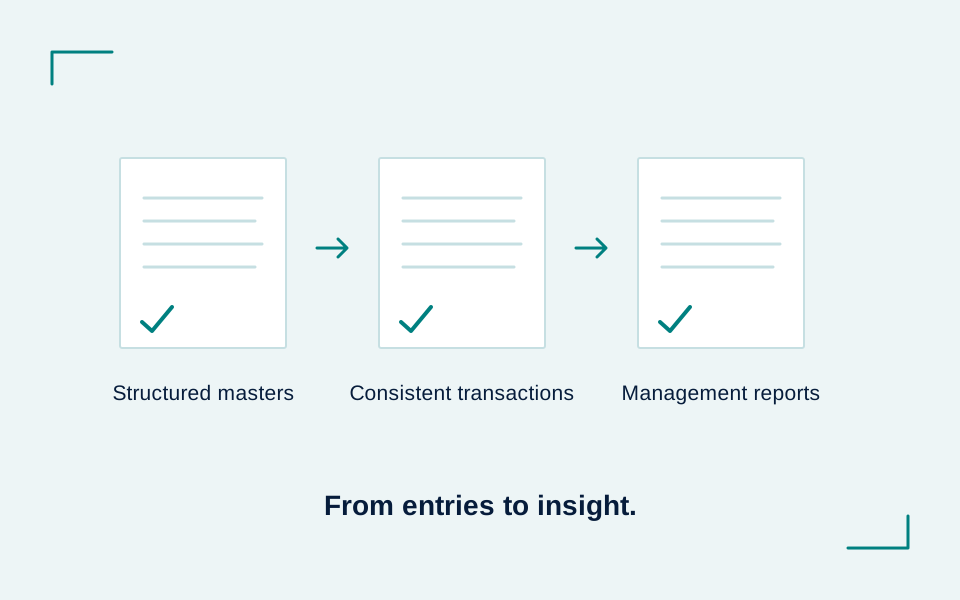
Do not start with a dashboard. Start with master data and reporting rules.
If the base is inconsistent, dashboards only make inconsistency look sophisticated.
This information is for educational purposes only and does not constitute professional advice.
Where systems pain is already slowing the business, it usually helps to diagnose it through Process Automation, SOP Development, and targeted Tally Customisation before taking a larger ERP call.
This material is general information. Apply it to your business only after checking the relevant facts, source documents and requirements.